
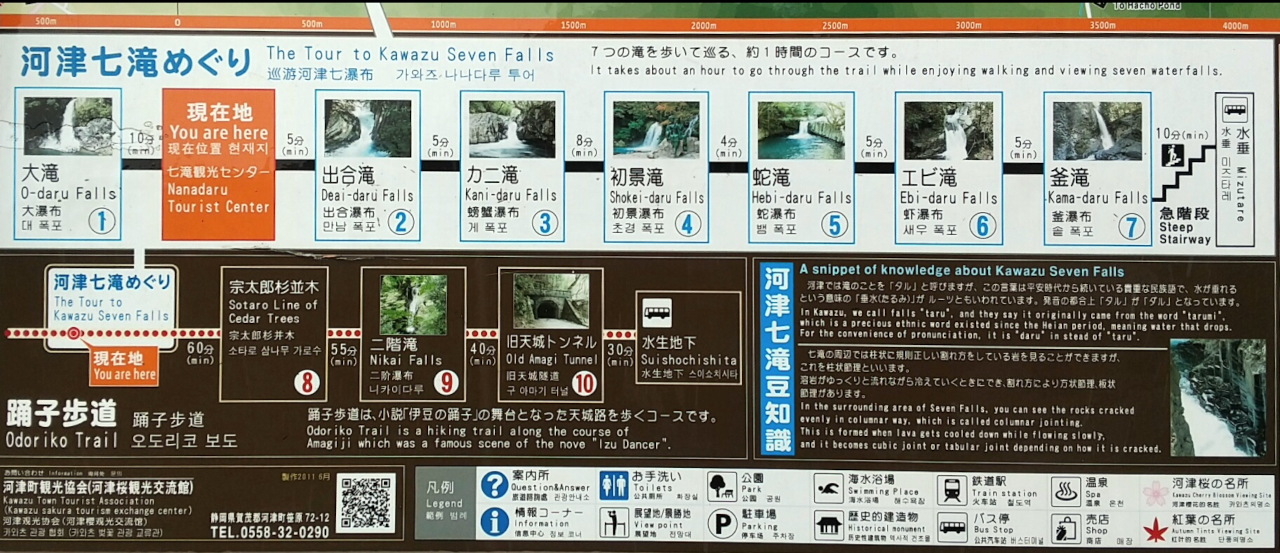
伊豆高原旅の駅 ぐらんぱるぽーと
車に戻り次の目的地を探すが良いところが見つからない
お昼も近いので今日の車中泊候補地、熱海に向かって北上
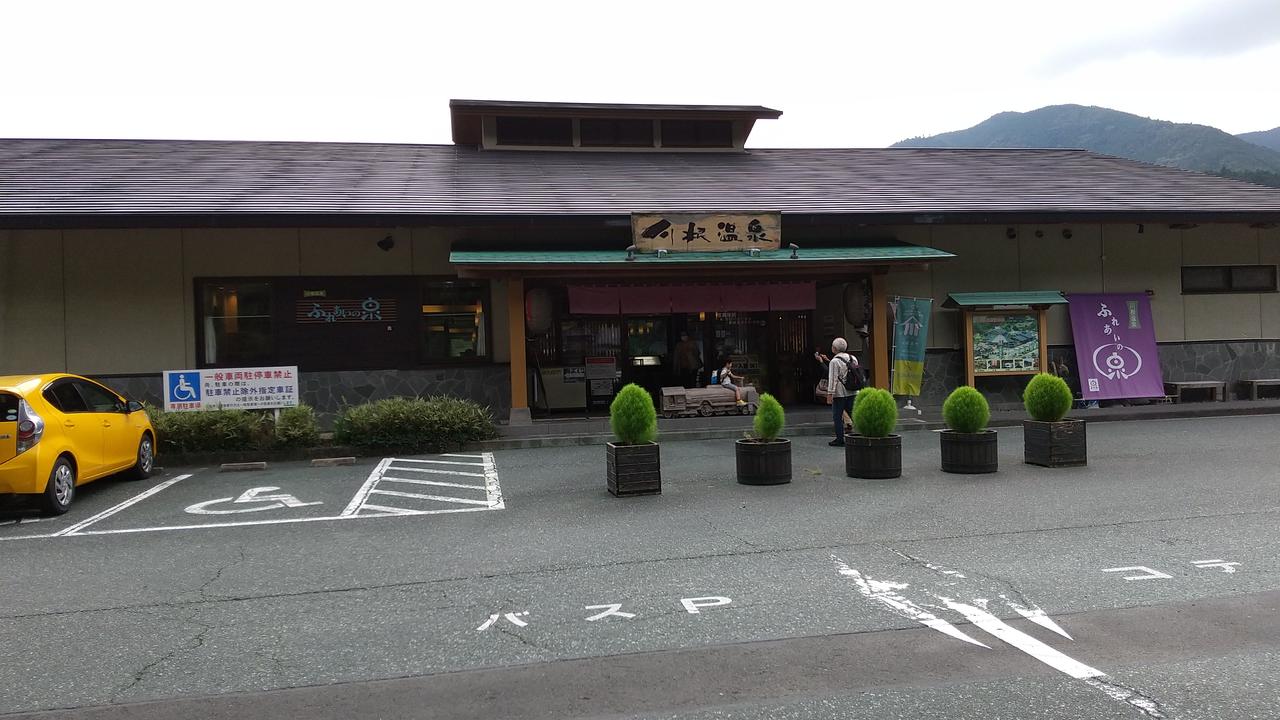
11時40分 伊豆高原旅の駅 ぐらんぱるぽーと到着
ここで情報を仕入れようとしたけど、どこも千円以上の有料施設の情報のみ
ラーメン屋が有ったのでラーメンを食べながらもう一度携帯で探すことにした
城ヶ崎のワードでブログ発見、城ヶ崎自然研究路の橋立つり橋に行くことにした
城ヶ崎橋立つり橋
12時30分 無料で止められる橋立観光駐車場到着
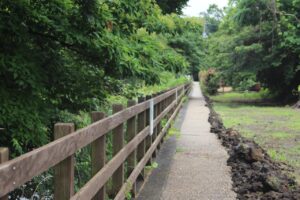
対馬川沿いの遊歩道
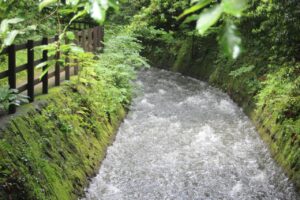
遊歩道途中の橋の上から
駐車場横を流れる対島(たじま)川沿いの遊歩道を10分ぐらい歩くと川は対島の滝となって海に注いでいる
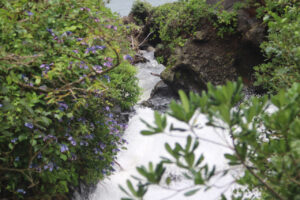
この先で海に落ちて対馬川が対馬の滝へ
遊歩道突き当りを左に折れ、滝を横から見れる展望台へ
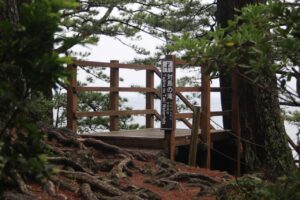
対馬の滝展望台
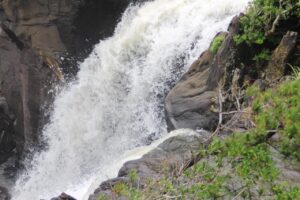
対馬の滝
対島川に戻って、今度は右に行き「大淀小淀(おおよどこよど)」を見下ろす高台へ
*動画のブレがひどいです、要注意
(大淀小淀)って何?
と思いつつ下りていくと水面近くの岩場の事らしい
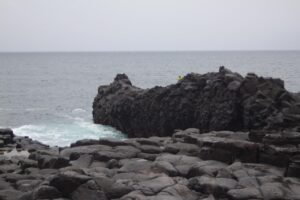
釣りびとが1人いました
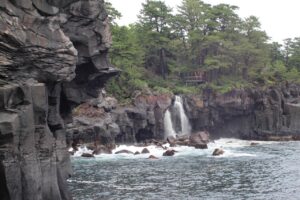
岩場から対馬の滝
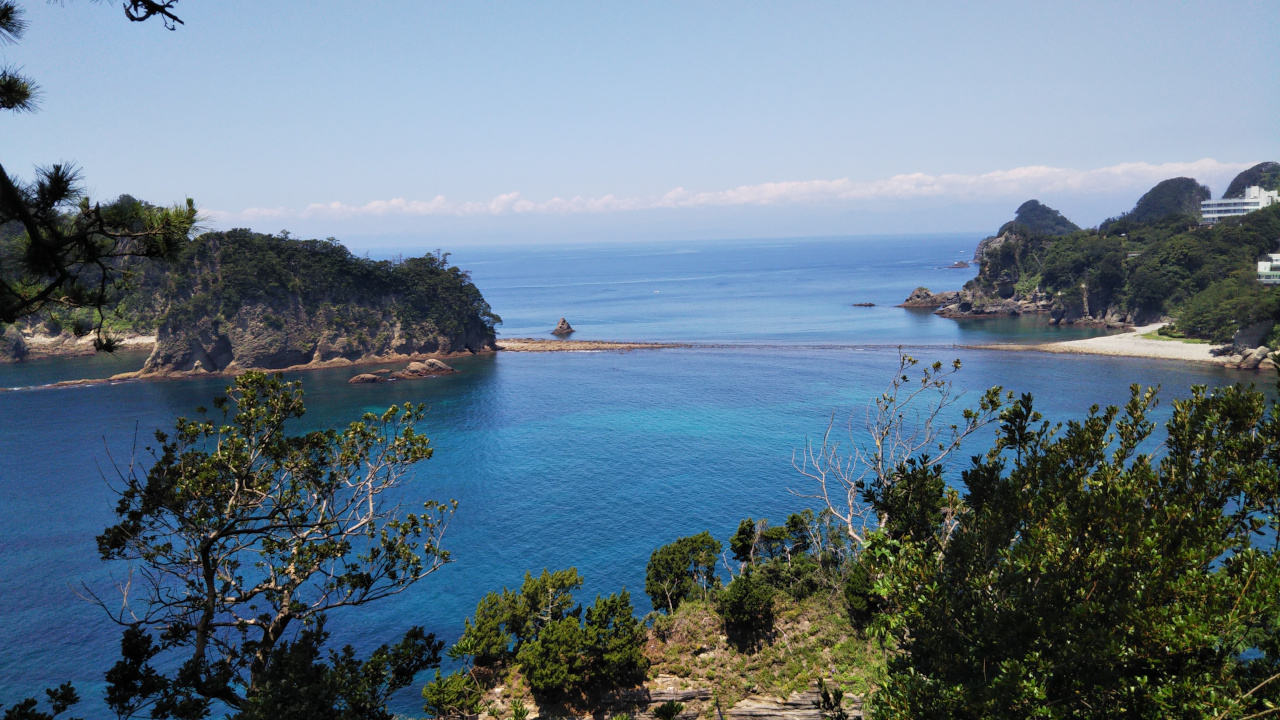
岩の上から対馬の滝の水が海に落ちる所と橋立つり橋を見ることが出来ました

橋立つり橋
遊歩道に戻る途中、百合が綺麗に咲いていました
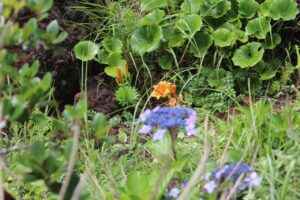
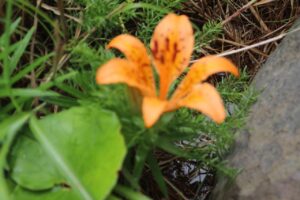
遊歩道に戻り先に進と橋立つり橋に出ます
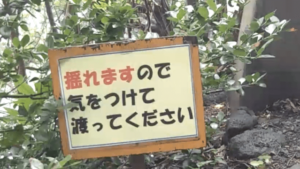
つり橋注意書
一人で渡っているからか、すこしも揺れずに中央まで
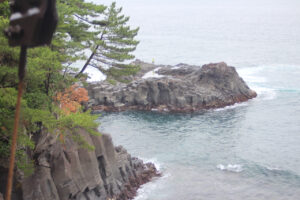
つり橋中央から岩場(大淀・小淀)
絵になる景色を動画に収めて、さっきこの橋を撮影した岩場を今度は橋側から確認できた
ぐるり回れ右して山側を見る
山側に迂回路が有るらしいけど、相当遠回りになるな
駐車場に戻り、車内で次の目的地を検索
有料施設ばかりヒットする
この日は熱海近辺の道の駅に車中泊するつもりだったが
雨も止みそうにないので今回はここまでとして帰途についた
コメント欄は各ブログの他にCompact-life(魔導書)ページにもあります。
Hi there to all, for the reason that I am actually keen of reading this website’s post to be updated
on a regular basis. It carries pleasant stuff.
I’m glad you liked it.
ーーーーーーーーーーーーーーー
喜んでもらえて嬉しいです。
Hi there friends, nice paragraph and good arguments commented here, I am genuinely enjoying
by these.
Hello There. I discovered your blog the use of msn. That is an extremely smartly written article.
I will be sure to bookmark it and come back to learn extra of your useful info.
Thanks for the post. I’ll definitely comeback.
Welcome.
Please enjoy your stay.
ーーーーーーーーーーーーー
いらっしゃい。
楽しんでいってください。
This design is wicked! You obviously know how to keep a reader entertained.
Between your wit and your videos, I was almost moved
to start my own blog (well, almost…HaHa!) Excellent job.
I really loved what you had to say, and more
than that, how you presented it. Too cool!
I’m glad you enjoyed it.
ーーーーーーーーーーーーーーーーー
喜んでいただきうれしいです。
It is really a nice and useful piece of info. I’m glad that you shared this helpful information with us.
Please stay us up to date like this. Thanks for sharing.
This design is wicked! You certainly know how to keep a reader entertained.
Between your wit and your videos, I was almost moved to start my own blog (well, almost…HaHa!) Great job.
I really loved what you had to say, and more than that, how you presented it.
Too cool!
I use the Cocoon theme for WordPress pretty much as-is.
I’m not really looking for a flashy design;
I stick to the default settings so I can use it without spending a lot of time or effort.
ーーーーーーーーーーーーーーーーーーーーーーーーーーーーーーーーーーーーーーーーーーーーー
WordpressのCocoonテーマを、ほぼ基本通りに使っています。
かっこよさはあまり求めて無く、設定を基本設定にして手間ひまかけずに利用しています。
Hi there! This is kind of off topic but I need some advice from an established blog.
Is it hard to set up your own blog? I’m not very techincal but I can figure things out
pretty fast. I’m thinking about setting up my own but I’m not sure where to begin. Do you
have any points or suggestions? Cheers
Since I run a Japanese-language blog based in Japan, I’m not familiar with the situation overseas.
However, I think the most accessible way to get started is by using a blogging platform like Ameba Blog, Hatena Blog, note, or Livedoor Blog.
Personally, I rent a server and run my blog using WordPress installed in my own dedicated space.
WordPress is highly customizable; you can style it to look like a small corporate website or even turn it into an e-commerce site.
ーーーーーーーーーーーーーーーーーーーーーーーーーーーーーーーーーーーーーーーーーーーーーーーーーーーーーーーーーーーーーーーーーーーーーーーー
私は日本国内で日本語のブログを運営しているので、海外の事情は分かりませんが。
一番手頃な始め方はAmebaブログ、はてなブログ、note、ライブドアブログなどのブログサイトで始めるのが良いと思います。
私はレンタルサーバーを借りて、自分のスペースにWordpressを展開してブログを運営しています。
Woedpressはカスタマイズが出来て、ちょっとした企業のホームページ風にしたり、Eーコマースサイトにすることも出来ます。
Wow, marvelous blog layout! How long have you been blogging for?
you make blogging look easy. The overall look of your web site is excellent, as well as the content!
thank you
I don’t even know the way I stopped up here, but I thought this
publish used to be great. I don’t recognize who you
are but certainly you are going to a well-known blogger should
you are not already. Cheers!
I’m glad you’re pleased with it.
ーーーーーーーーーーーーーーーーー
喜んでもらえて嬉しいです。
This article is in fact a good one it helps new web people, who are wishing for blogging.
I’m glad you like it.
ーーーーーーーーーーーー
気に入ってもらえて嬉しいです。